How to hunt street art: check in, verify, level up
Updated
A street art hunt in the app has three moves: spot a wall, add it with a photo and a GPS pin, and check in at walls others found to verify them. Every move earns XP, every 100 XP is a new level, and the walls you add guide every explorer who comes after you.
This post walks you through 4 steps. It's free, and you need a phone with location on.
1. Spot: where are the walls nobody has added?

Start from what is already there. The live map and the city archives show every wall in the archive, so the gaps are easy to see: a street with no pins, a district with few walls. Open Explore, then Cities, and pick yours.
Then walk with your eyes up. Side streets, shutters, the back of a market, under a bridge. When a wall is not on the map, it is yours to add.
2. Document: a sharp photo, the exact spot
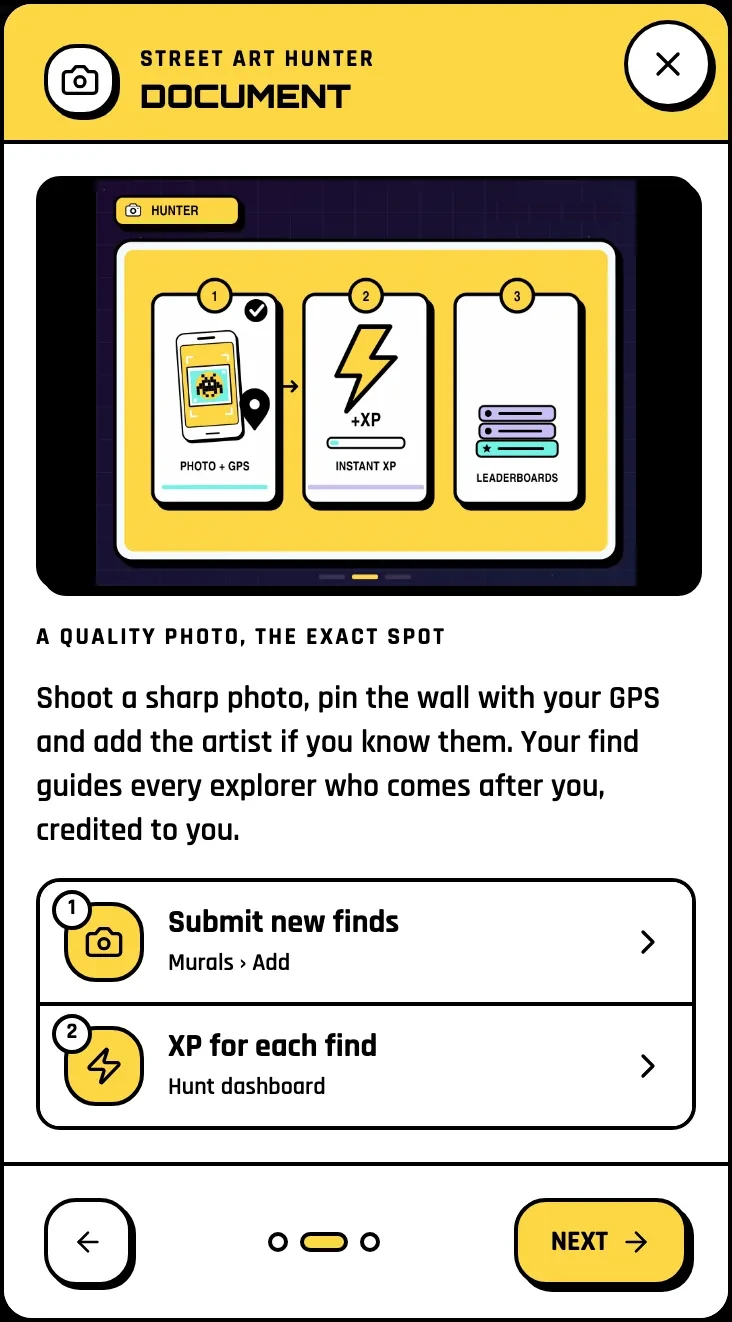
Tap Scan a wall in the quick actions button, or go to Murals, then Add. Shoot a sharp photo, let your GPS drop the pin where you stand, and add the artist if you know them. If you don't, leave it: "artist unknown" is better than a guess, and someone who knows will add it.
You get +25 XP now and +75 XP when the community verifies it. Add the first mural of a city and you become its Founder, with the Founder tag on your profile.
What makes a good find
3. Check in and verify: spots people can trust
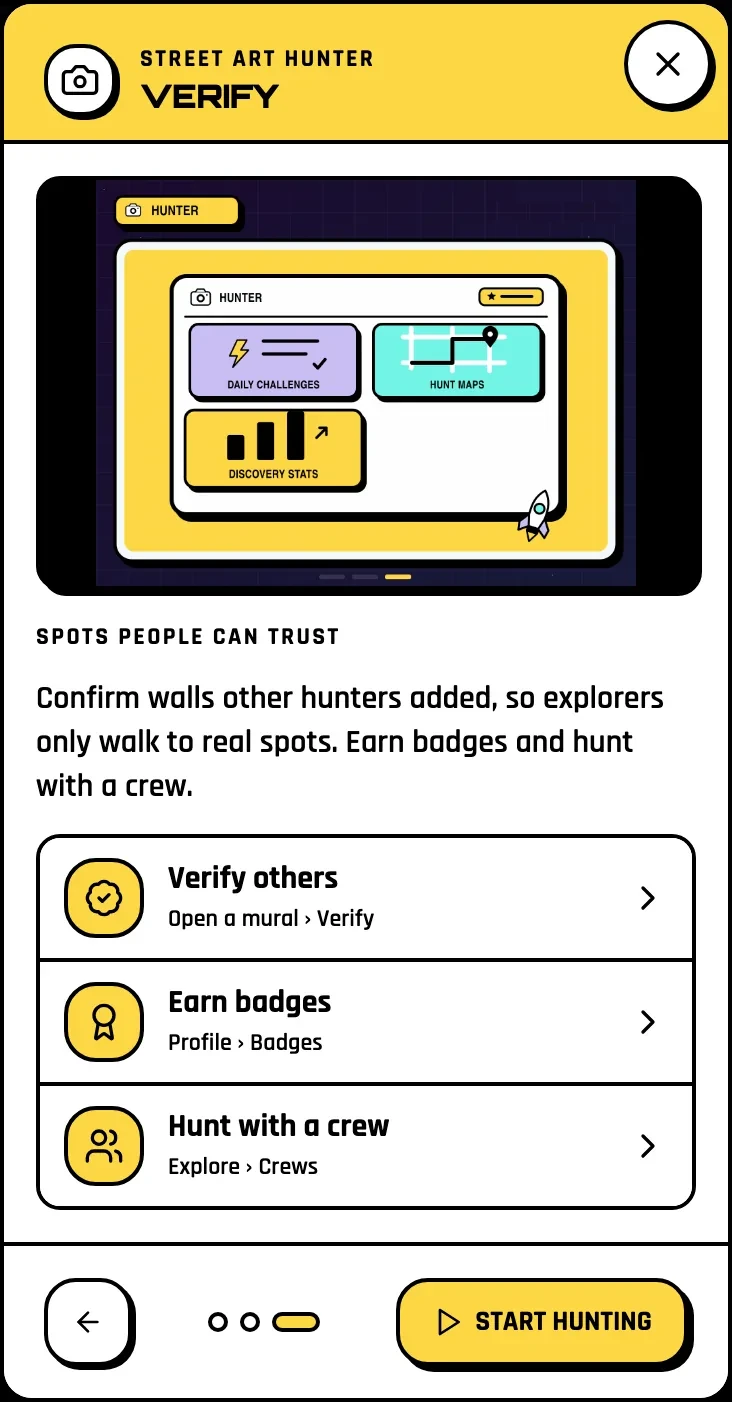
A visit counts only at the real wall. Open a mural and tap Check in: it works when you are within 150 m, and it earns +25 XP. Then answer the quick checks:
When several hunters confirm a mural, it gets its Verified badge, so explorers only walk to real spots. Murals waiting for you are marked To verify. After a check-in you can also vote on the wall's rarity: Common, Rare, Epic or Legendary.
A wall that is painted over is not deleted: mark it gone and it stays in the archive with its story.
4. Level up: quests, badges and your city

Every 100 XP is a new level. Two quest paths are made for hunters:
| Build the archive | Visit the walls | |
|---|---|---|
|
add walls nobody has documented | check in at walls already in the archive |
|
Guardian of the Archive | Legend of the Streets |
Each week you also pick a weekly quest. Finish it and you get a stamp; 8 stamps fill your card and put a Regular trophy on your profile. Your Hunt dashboard shows it all, and each city shows the districts you have finished.
No signal? Keep hunting
The map needs signal, but the radar works without it: start it and it guides you to the saved walls around you. A check-in made with no connection is saved on your phone and sent when you are back online.
Your first challenge
Pick a street you walk every day. Check in at every wall already on the map, then add one that is missing. Both quest paths are under way before lunch.
Start your hunt
Pick Street Art Hunter on the home page and press Start hunting. Your first wall is closer than you think.
Last checked: 17 November 2026, on the web app in English.
Related: How to choose your mode · Plan a street art trip · Build the mural archive