Plan a street art trip: save walls, walk, go offline
Updated
Pick a city, tap the bookmark on the walls you want to see, and they group into a trip. Open the trip for walking directions through every wall, save it offline before you go, and add a guided tour from the same city if you want someone who knows the walls.
This post walks you through 4 steps. It's free, you don't need a paid guide, and your trip works without signal once you've saved it.
1. Discover: what is there to see?
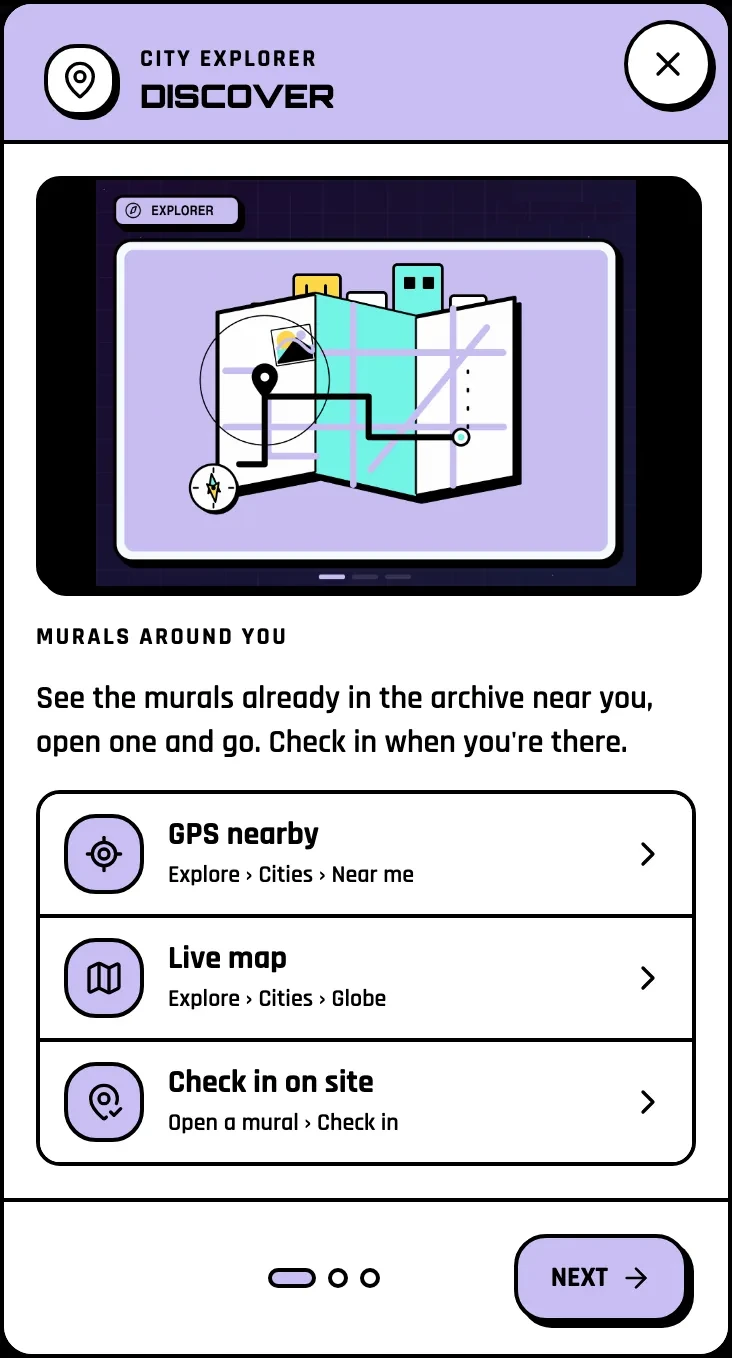
Already in town? Open Explore, then Cities, then Near me to see the murals in the archive around you. Planning ahead? Open the city: its archive groups the walls by street art district, with photos, so you can see which neighbourhood is worth a morning.
Filter by style or artist to find the walls you care about. A Verified badge means visitors confirmed the wall is really there.
2. Save the walls you want to see

Tap the bookmark on a mural. It joins your trip for that city, and you see "Added to your trip". Saved murals group by city, so a summer in Berlin and a weekend in Buenos Aires stay apart.
All your trips live in the Travel planner, your hub in City Explorer mode. Save murals in 3 cities and you finish a quest on the Plan your trips path; the last title on it is Street Art Globetrotter.
3. Walk the route

Open a trip to see its walls on a map. Tap Directions and Google Maps opens a walking route through every wall you saved, one after the other. No need to plan the order by hand.
At each wall, check in when you are there (within 150 m): +25 XP. Answer the quick checks if you can: is the photo right, is the wall still there? Your answers help the next traveller.
How many walls in a day?
Six to ten walls make a good half day on foot, if they sit in one or two districts. Plan one district per morning rather than crossing the whole city: the district pages show which walls sit close together. Keep two or three spare walls in the trip: one will be behind a parked truck, another may be gone. If it is gone, say so in the quick checks: that is how the archive stays true.
4. Go offline before you lose signal

Tap Save this trip offline while you have wifi (up to 60 walls per trip, and 6 trips). When the trip says Ready offline, the saved walls' pages, their photos and the radar work without signal, on that phone and in that browser. The map itself needs signal, but the radar guides you to the next wall.
Check-ins made with no connection are kept on your phone and sent when you are back online.
Join the scene
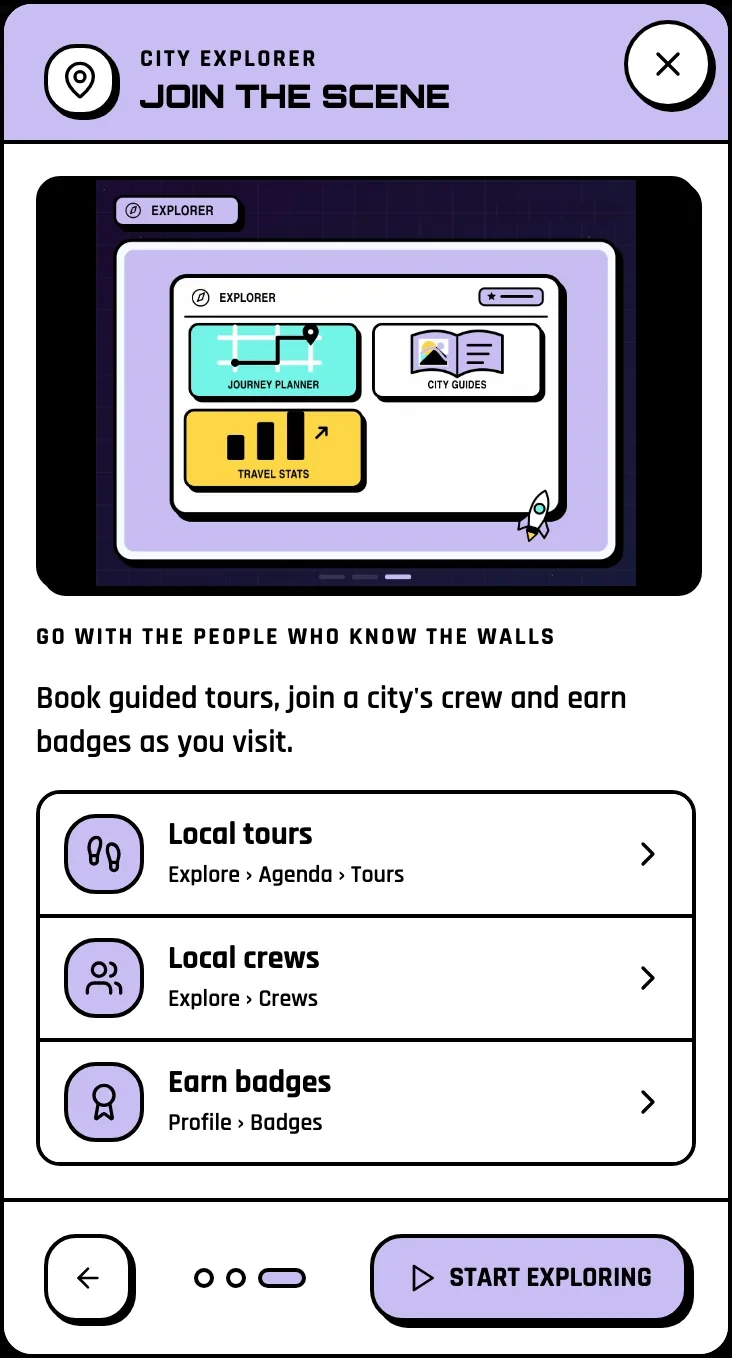
Each trip shows the guided tours and events in its city, from the Agenda: walking tours, workshops, festivals, live painting. Book with the organizer through their link, then rate the tour so the next visitor can pick. Want to meet the people who know the walls? Join the city's crew from Explore, then Crews.
Your city has few walls in the archive?
The archive grows city by city, and some cities are only starting. If yours has a handful of walls, you can be the one who fills it: add the walls you find on your walk, and if the city has none yet, the first mural you add makes you its Founder. Travelling with friends? Share a mural, a tour or a crew from its page, so everyone saves the same walls.
Your challenge
Check in at every wall of your first trip. When you get home, rate the tour you took or the event you went to: the next visitor will thank you.
Start your trip
Pick City Explorer on the home page, press Start exploring, and open the city you are going to.
Last checked: 17 November 2026, on the web app in English.
Related: How to hunt street art · How to choose your mode · Build the mural archive