How to choose your mode: Hunter, Explorer or Artist
Updated
Pick Street Art Hunter if you want to find and add walls, City Explorer if you want to plan trips around murals, and Street Artist if you paint and want your work credited. Your mode sets your shortcuts, your quests and where you start. You can switch any time, and your XP and badges stay with you.
This post explains the 3 modes. Trying them is free, and you don't need an account.
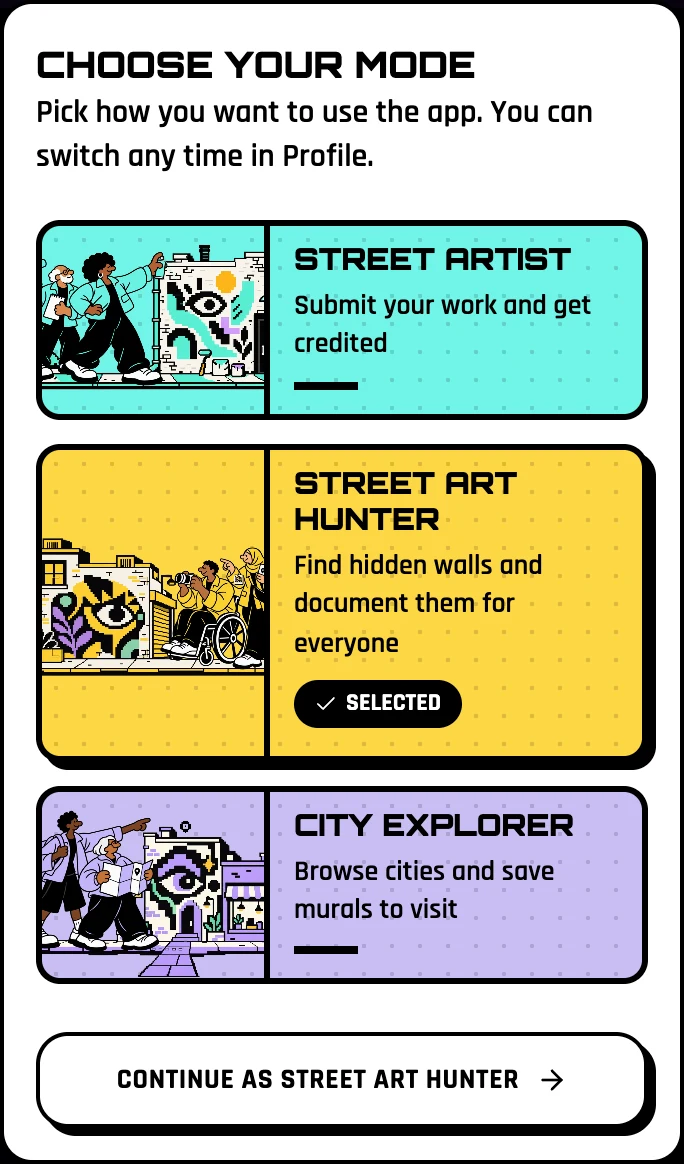
Which mode is for you?
Street Art Hunter: you build the archive

You walk with your eyes up. When you find a wall that is not in the archive yet, shoot it, pin it and add it: the GPS drops the pin where you stand. Your quests ask you to add walls nobody has documented, in more streets and more cities.
When a wall is already there, check in and answer the quick checks: is the photo right, is the artist credited, is the wall still there? Your vote helps a mural get its Verified badge.
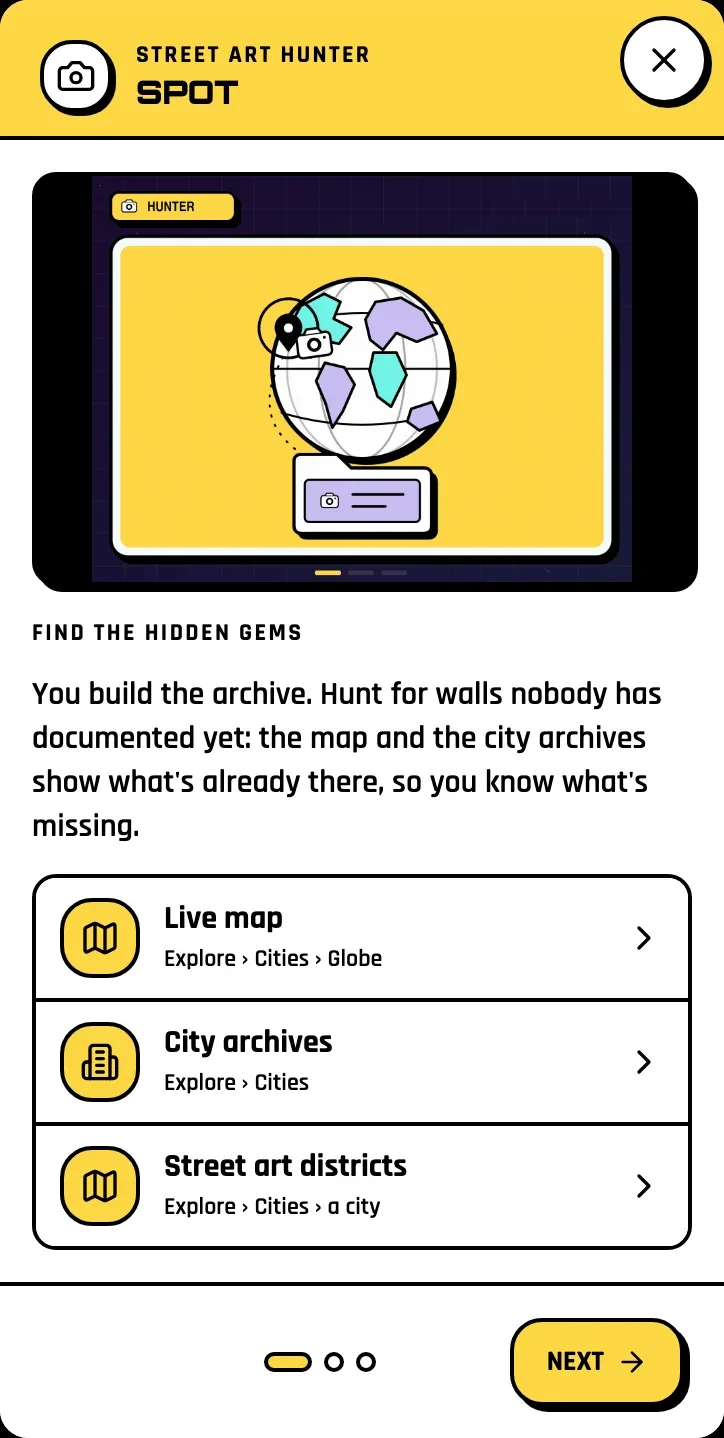
Full guide: How to hunt street art
City Explorer: you follow the art

You pick a city, browse its street art districts and tap the bookmark on the walls you want to see. Saved murals group by city into a trip. Open the trip for directions through every wall, see the tours and events in that city, and save it offline before you lose signal.
Your quests ask you to save walls, rate tours and events, join a crew and check in at walls already in the archive.
Full guide: Plan a street art trip
Street Artist: you get your name on the wall

Add a wall you painted and tick "It's my work". Claim your artist page: every mural credited to you shows there, and people can follow you and message you. Your hub keeps your portfolio, your collaborators and the events where organizers featured you (you confirm or remove yourself).
Full guide: For street artists: claim your page and your walls
Can I switch later?
Yes, any time: from Profile, or from the quick actions button (Switch mode). Your XP, badges and finished quests stay with you. Your weekly quest stays until Monday, then you pick from the new mode's quests.
Start now
Open the home page, tap the mode that sounds like you, and press Continue. Your first moves are waiting.
Last checked: 17 November 2026, on the web app in English.
Related: Build the mural archive · How to hunt street art · Plan a street art trip · For street artists