For street artists: claim your page and your walls
Updated
Add a wall you painted and tick "This is my work": it is credited to you and joins your portfolio. If people already added your walls, search your name in Artists and claim your page, so every mural with your name links to you and people can follow you.
This post walks you through 4 steps. It's free, and your page is yours to edit.
Why your name matters here
Walls don't last. A shutter is repainted, a building comes down, a new piece goes over an old one. In the app, a wall that disappears is marked gone, not deleted: its photo, its date and your name stay in the archive. And the person who stops in front of your wall today can open it, see who painted it, and find the rest of your work.
1. Get credited: put your walls on the map
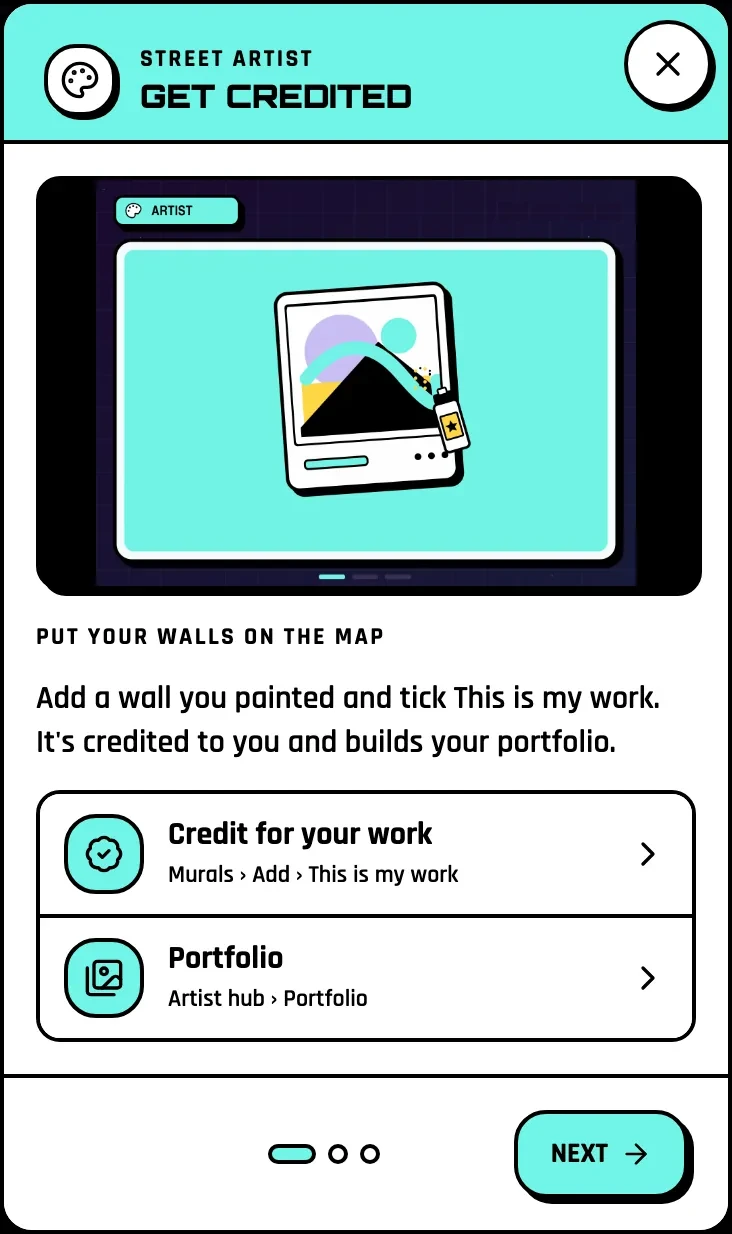
Go to Murals, then Add. Add a photo of your wall, pin it where it is, and tick This is my work. It is credited to you and lands in your portfolio.
You decide what goes on the map. A legal wall, a festival piece, a commission: add it. A piece you would rather keep quiet: you don't have to add it at all.
2. Claim your page

Hunters may already have added your walls with your name. Go to Artists, search your name, and tap "Is this you? Claim this profile". Once it is yours, every mural credited to you links to your page.
Then complete it: a bio and a cover photo, so people know whose walls they are looking at. People can follow you to see your new walls and message you for work. Your Artist hub keeps it all in one place: your portfolio, your collaborators and the events where you were featured.
What to put on your page
3. Connect: find people to paint with
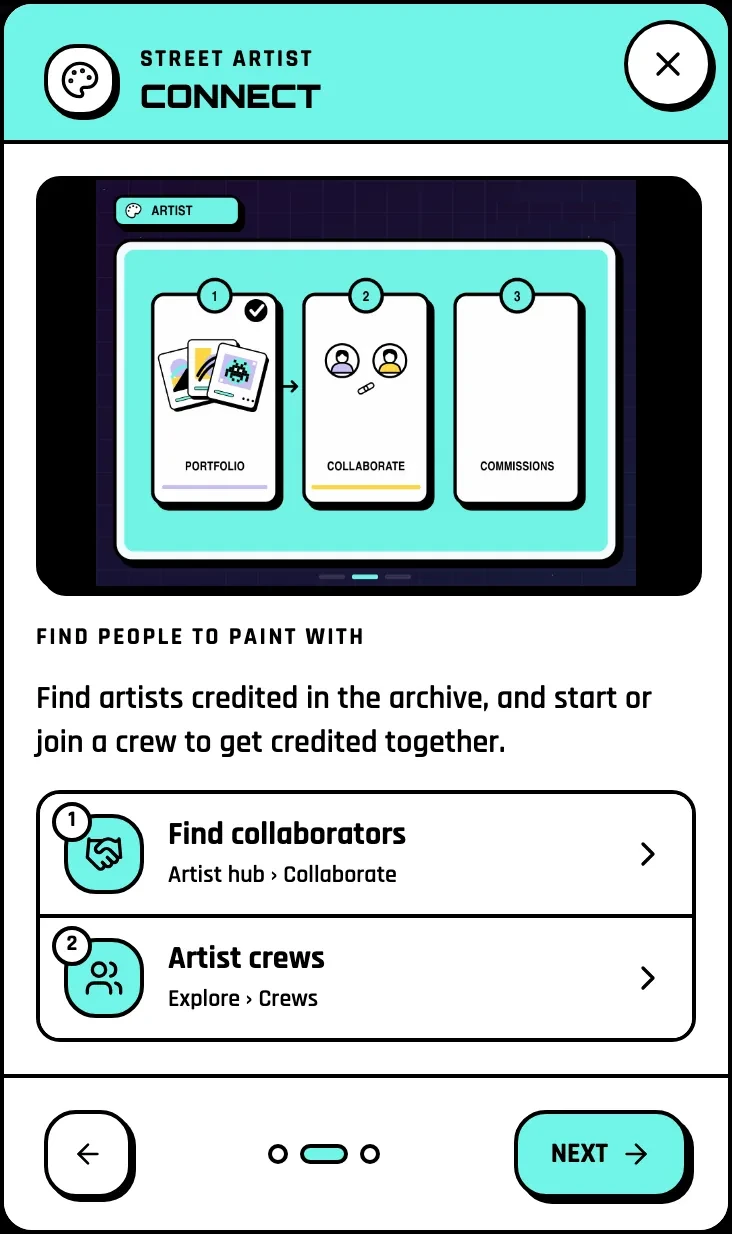
Your Artist hub has a Collaborate tab: find artists credited in the archive, see their walls and send them a message. Want a group? Join or start a crew from Explore, then Crews. Crews bring together artists, archivists, curators and locals in a city.
4. Get featured at events

Festival organizers and tour guides can name you on their event in the Agenda. You get a note: confirm, and a tick shows next to your name; tap Remove me, and nobody can add you back to that event. Murals painted at a festival edition are labelled as festival pieces in that festival's archive.
Your path: from first piece to Name on the Wall
| Step | Quest |
|---|---|
|
Add your first piece |
|
Claim your artist page, complete your page |
|
Get credited on 3 murals, add 10 pieces |
|
Get your first follower |
|
Join a crew |
The last title on the Street Artist path is Name on the Wall, and you earn badges as your walls get verified and followed.
Your challenge
Add three of your walls this week: one recent, one old, one you painted with someone else. That is the Add 3 pieces quest, and your page starts to look like your work.
Put your name on the map
Pick Street Artist on the home page, press Start creating, and add your first wall.
Last checked: 17 November 2026, on the web app in English.
Related: How to choose your mode · How to hunt street art · Build the mural archive